Skip to content
Skip to content

Image-to-Video

Turn images into branded video content,
automatically.

Create high-converting video assets using the styled stills you already produce.
No extra shoots, software, or delays.

Spending days on content
that last 
seconds?

High-effort video shoots don’t scale.

Creative teams juggle schedules, crews, and edits just to deliver a few high-touch videos—leaving most products behind.

Video demand is growing,
but resources aren’t.

Producing motion content is too slow, complex, and expensive to do at scale. That’s why so many PDPs still launch without it.

Standalone AI tools
weren’t built for scale.

Generic by design, they demand teams learn new tools, write prompts, and operate outside production—one asset at a time.


Studio-quality video.
Zero shoots required.

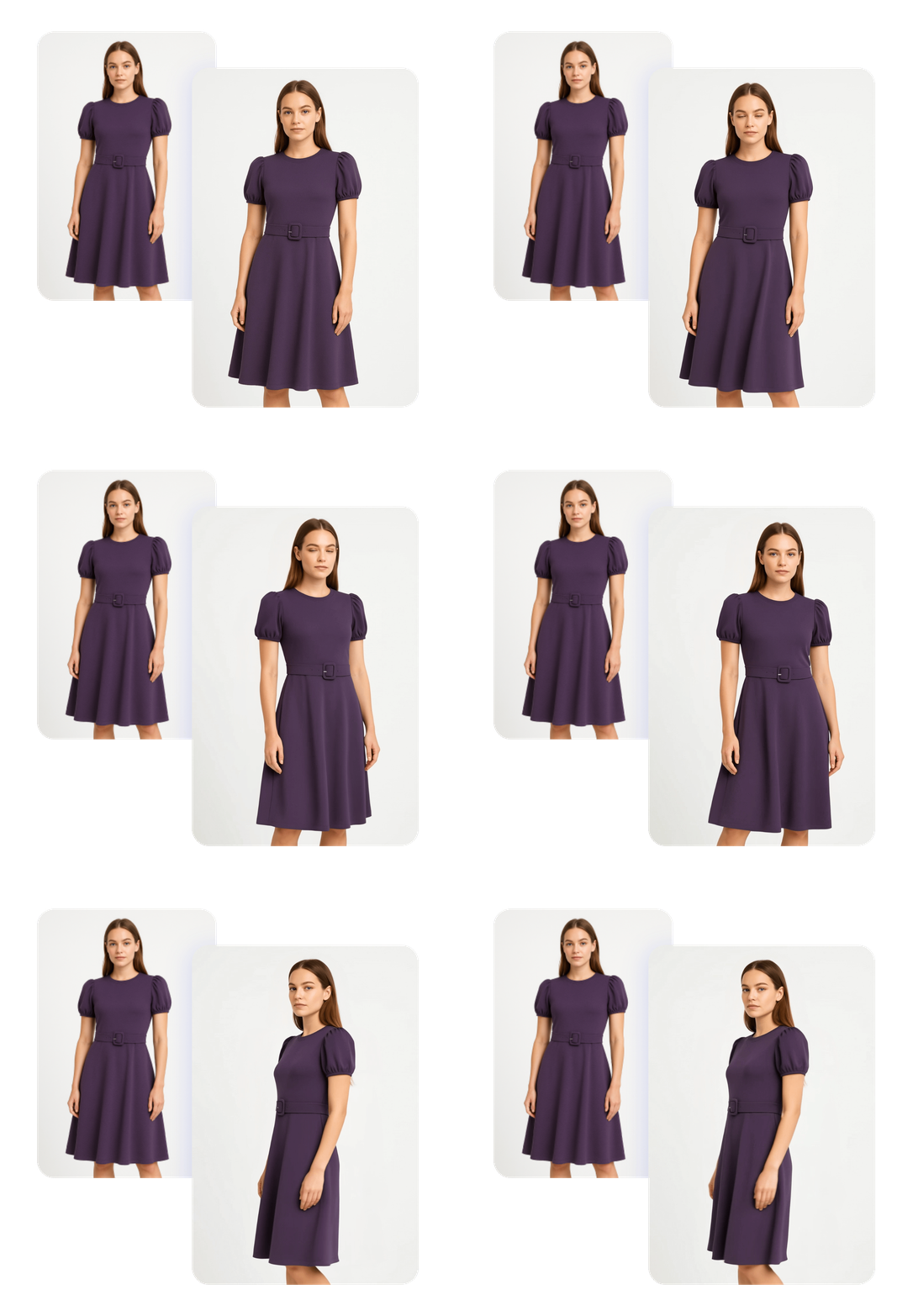
Turn static product images into engaging videos in minutes—no extra shoots or software needed. Image to Video uses generative AI to create branded clips from a single retouched image, delivering high-quality results seamlessly within your workflow.

Image-to-Video-1

Turn one image
into motion—

automatically.

Use a single post-processed still image to generate a 5–10 second branded video. No additional inputs, shoots, or post-production needed.
Create motion content in minutes.

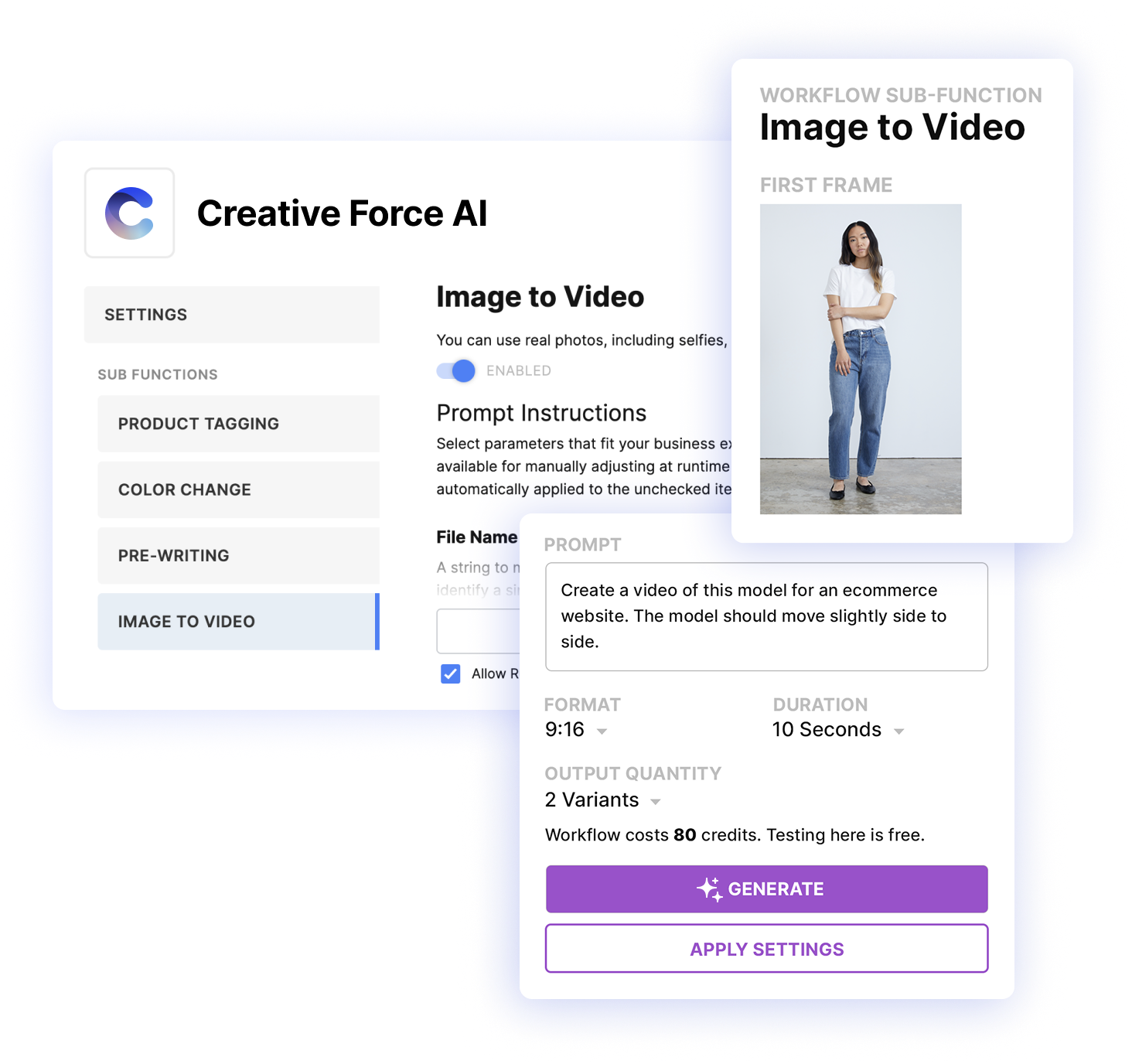
Image-to-Video uses generative AI to convert a single, retouched image into 5–10 second branded videos—without ever leaving Creative Force. Works with your asset naming conventions and style guide logic.

Designed for fashion e-commerce.
Built for studio speed.

Fashion-tuned AI models preserve styling, lighting, and retouching. It’s fast and fully embedded. No new tools or training required.

Scale video across every product.

Create dozens—or hundreds—of channel-ready video for PDP, social, or paid media with the team and images you already have.

image-to-video-setup

Minimal setup for fast results.

Set global defaults or adjust settings per workflow as needed, with built-in controls for:

  • Filename: Match your production conventions automatically
  • Creative prompt: Guide motion and tone using natural language
  • Aspect ratio: Choose from 16:9, 9:16, or 1:1 formats
  • Video duration: Select 5 or 10 seconds based on your channel needs
  • Tester access: Explore prompts and outputs outside production
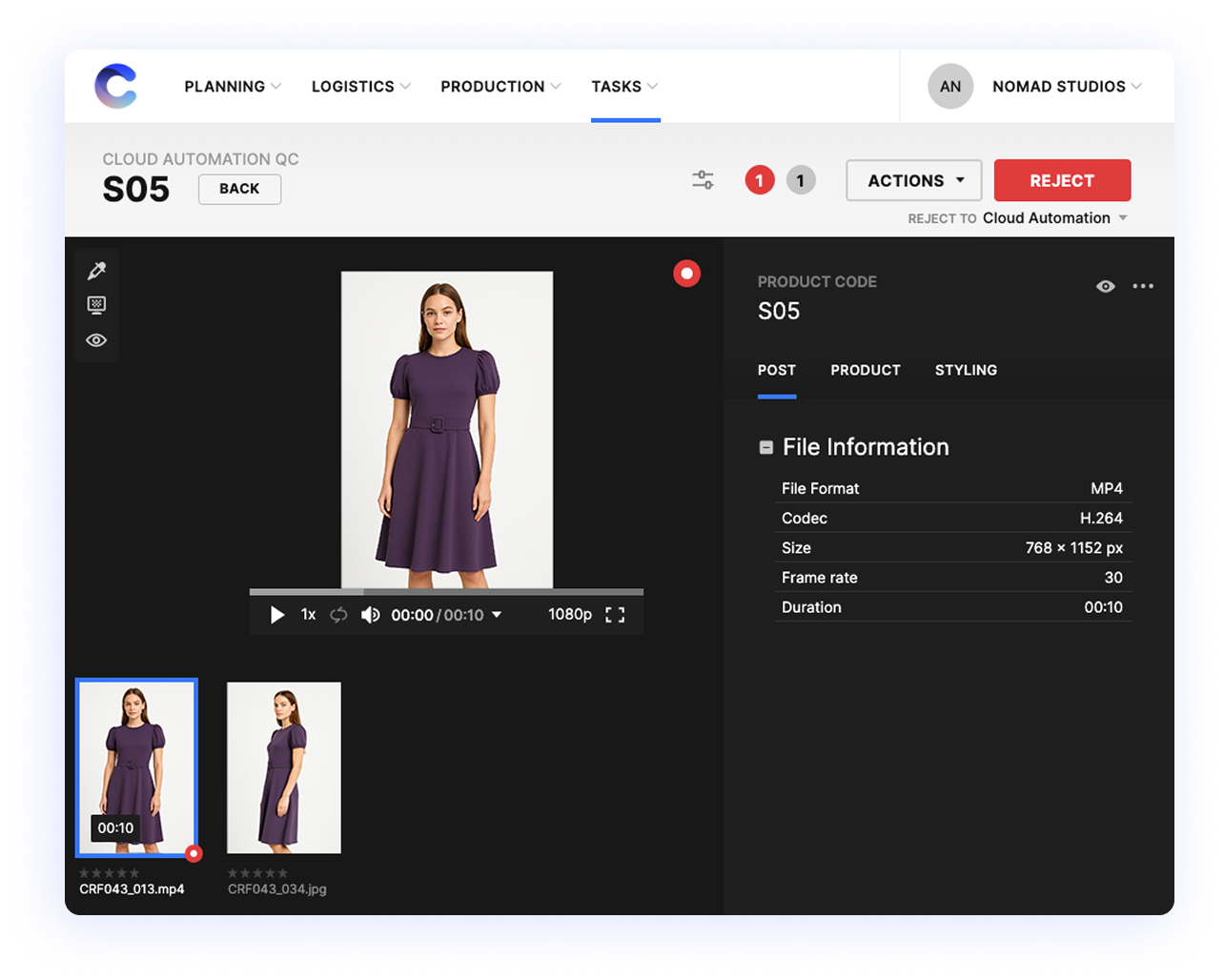
cloud-automation-qc

Review and approve with confidence.

Every video can be routed through QC for human-in-the-loop review. Approve only what meets your standards—right inside your existing workflow.
Instragram-TikTok-heavy

Optimized for
key channels.

Image to Video helps you do more with the creative you already have—turning PDP stills into vertical, horizontal, or square video assets for wherever your content lives.

Supports 16:9, 9:16, and 1:1 outputs—ideal for PDPs, TikTok, Instagram, Meta ads, and more.
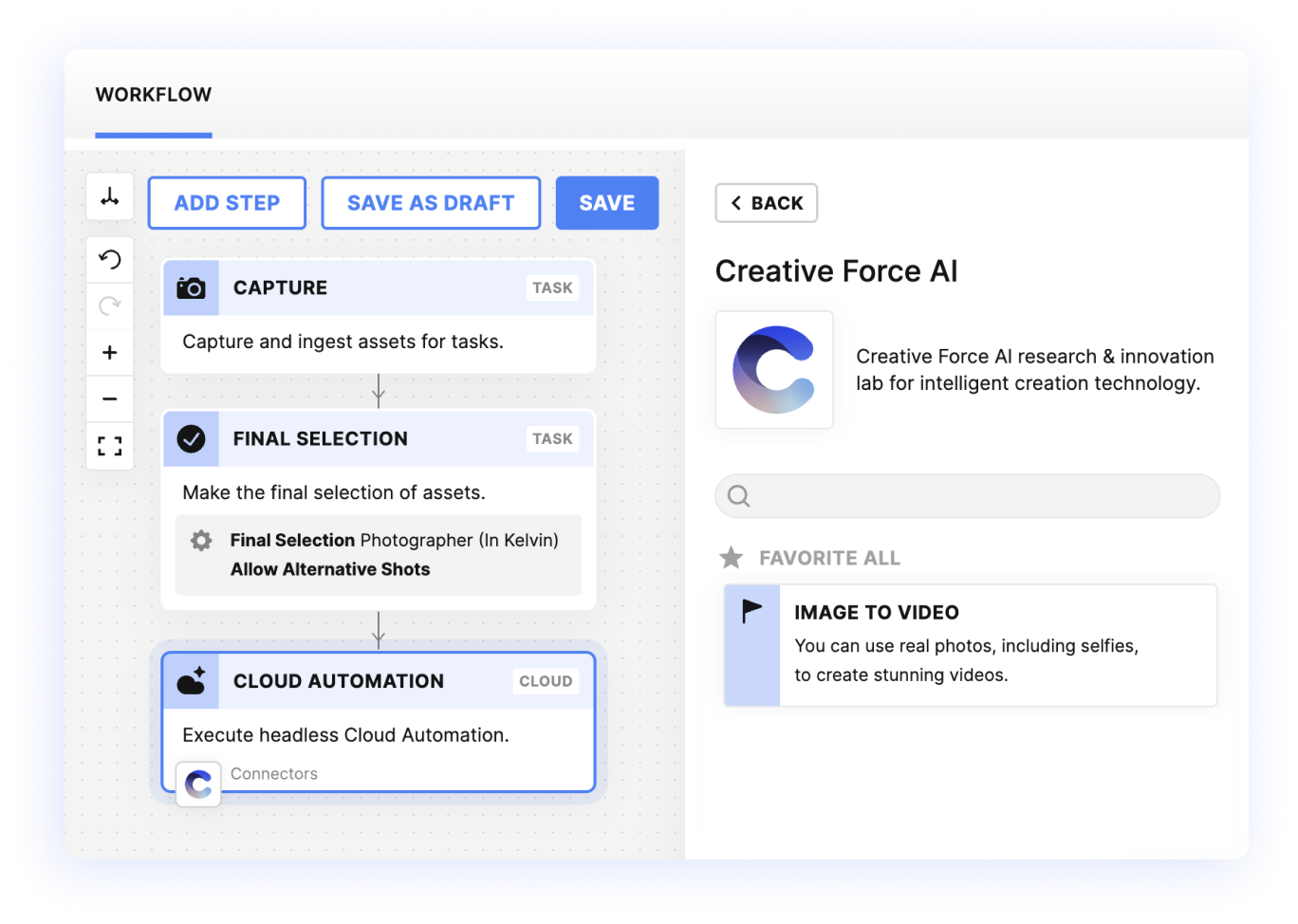
image-to-video-workflow-step

No integrations required—Just toggle it on.

Image to Video runs directly inside Creative Force, so your team can start generating videos in minutes.
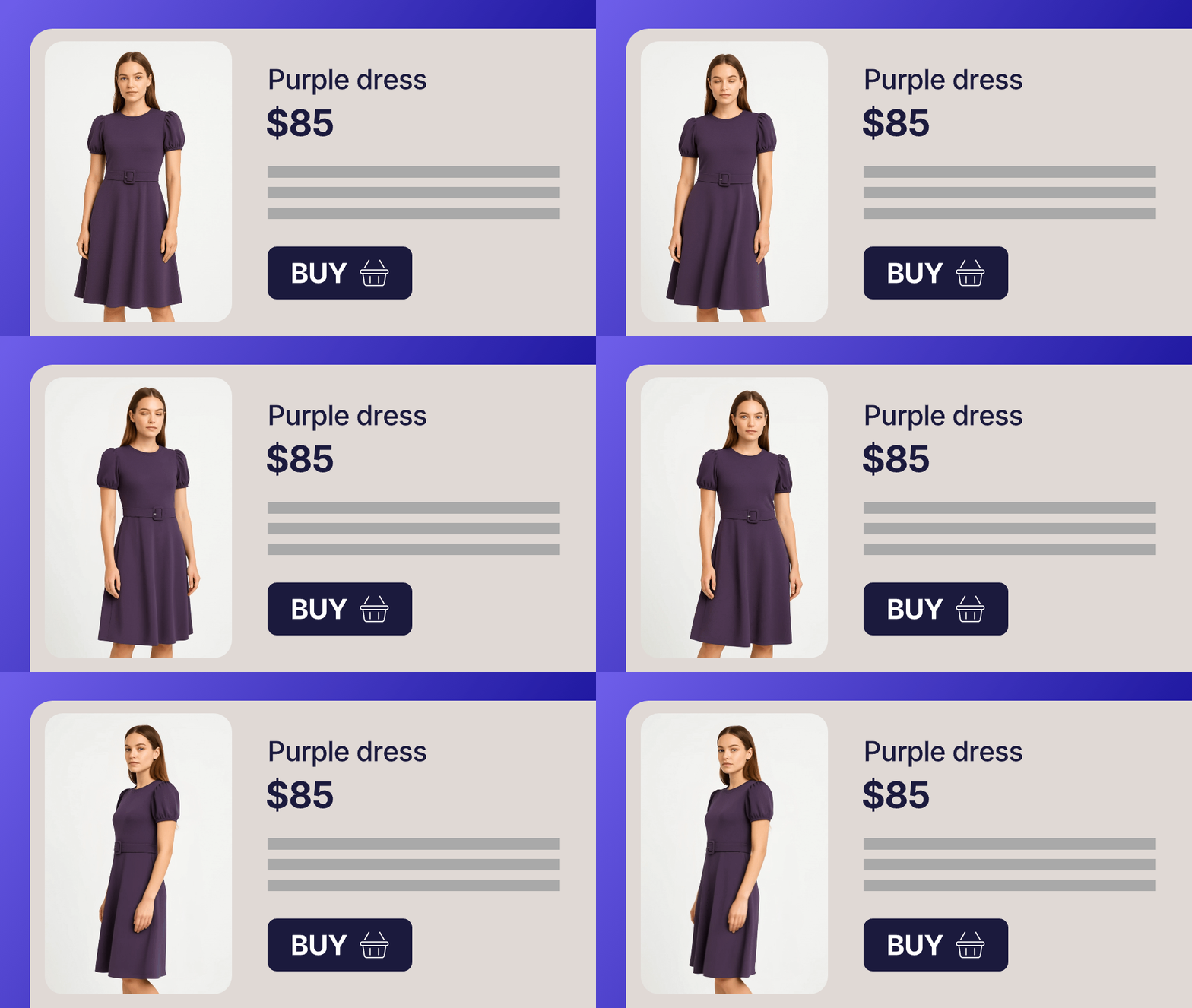
From static to cinematic.

pdp-with-video

PDP videos, without a separate shoot.
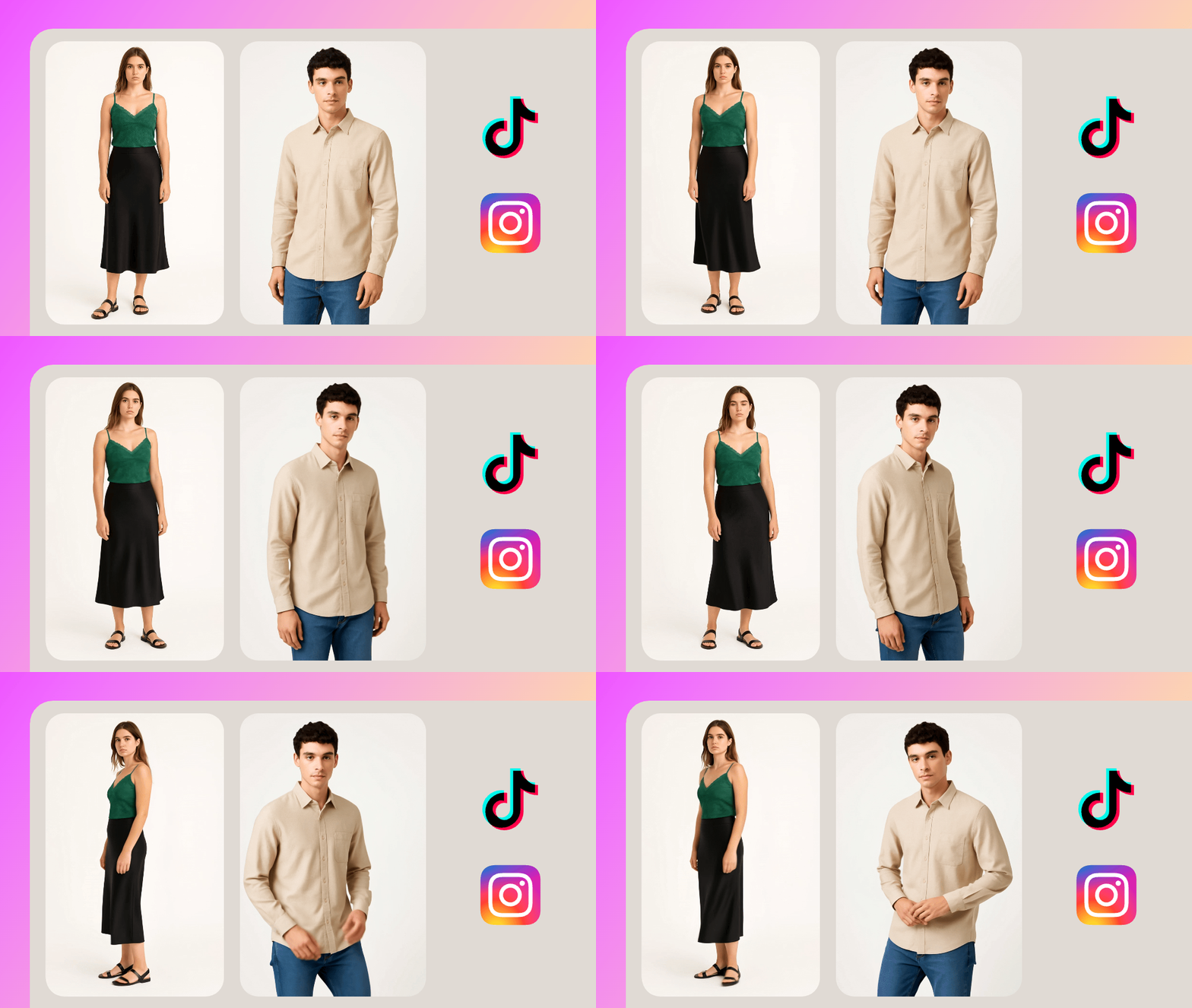
Enhance PDPs with motion-rich videos built from the stills you already retouch. Boost engagement and click-through—no extra production time required.
social-with-video

Social & paid content,
ready in minutes.

Create vertical, mobile-first video assets for TikTok, Instagram, and paid campaigns—on brand and launch-ready within hours.


Bring your product
images to
life.

You already have the content. Now it can move.

Use your styled, retouched images to produce motion-rich, conversion-ready videos—automatically and at scale,
right inside Creative Force.
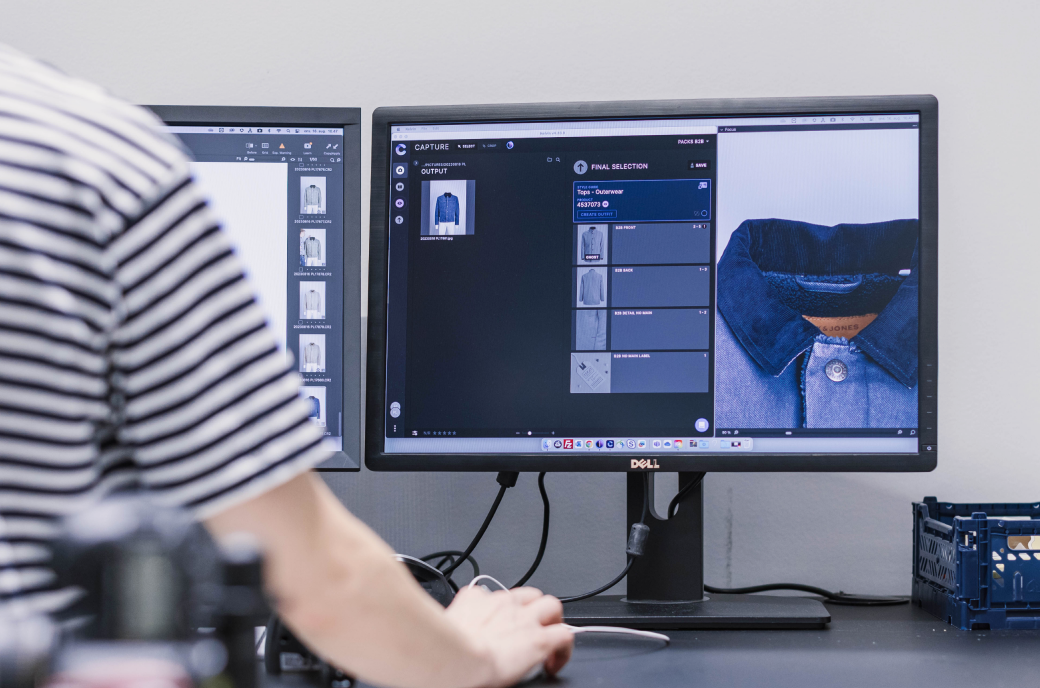
Using Creative Force in studio
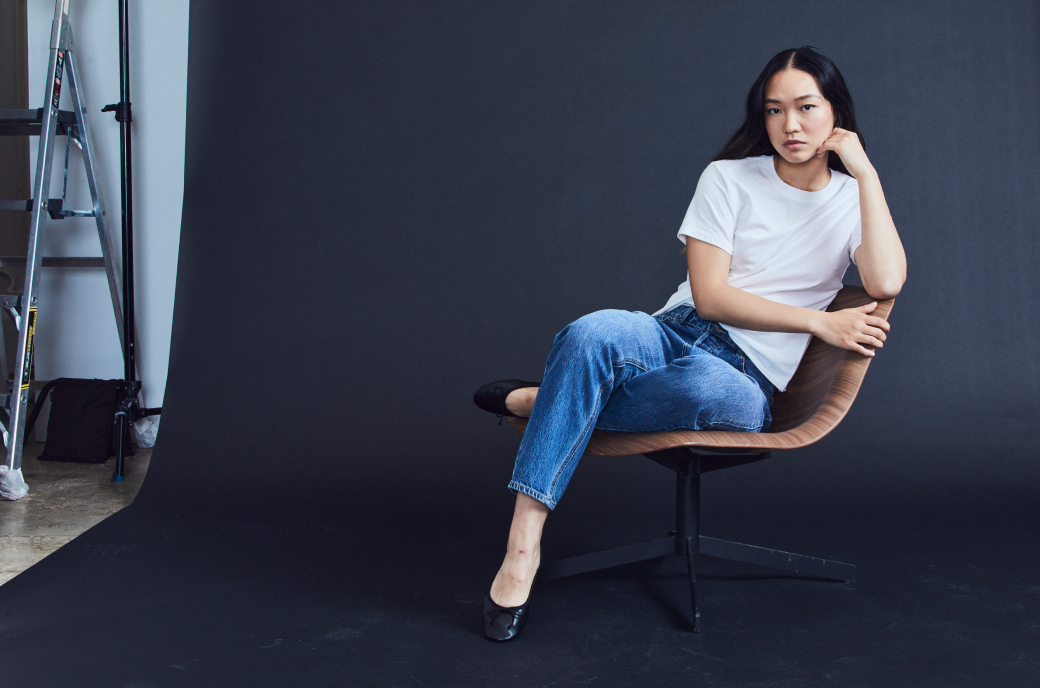
Model sitting in chair wearing blue jeans and white t-shirt
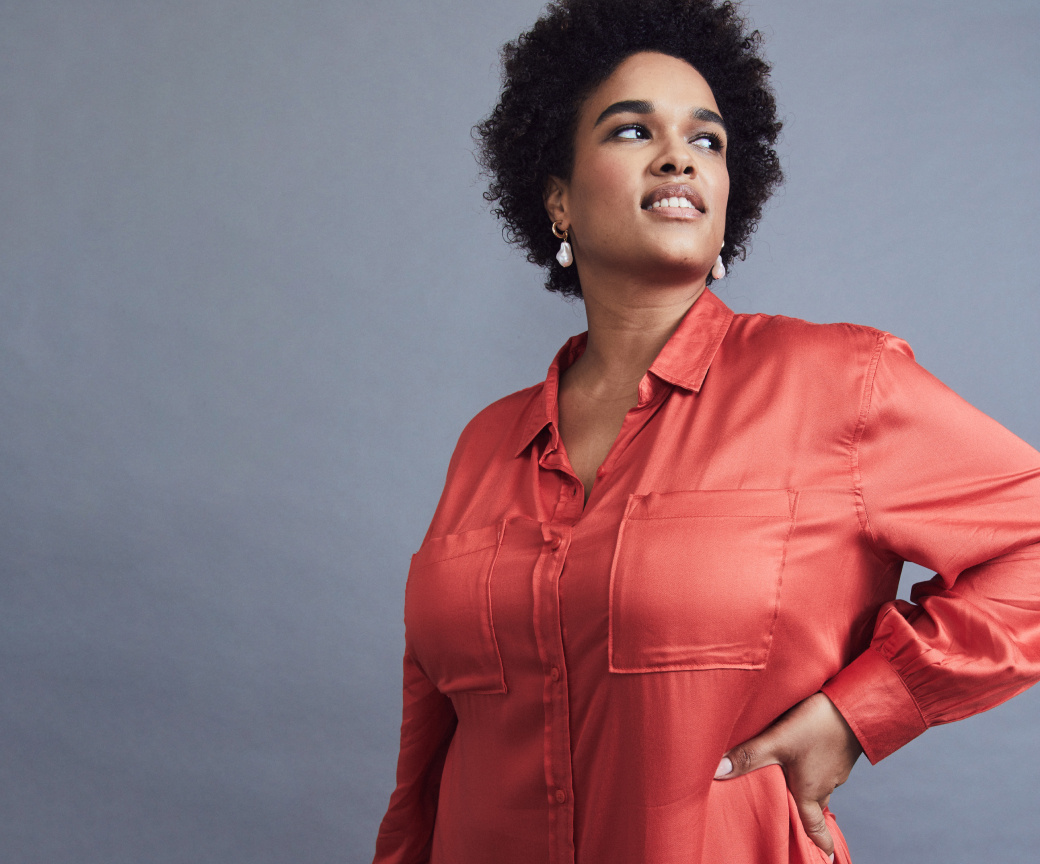
Model wearing orange satin dress
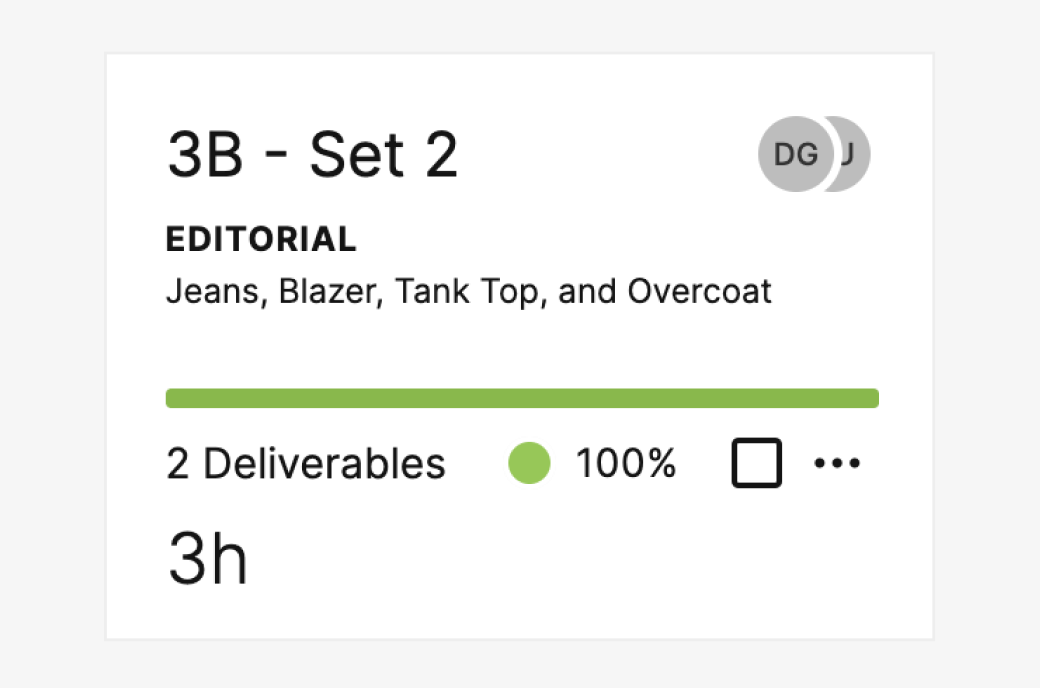
Planning UI snippet
Editorial photo of smiling model wearing hat and sunglasses
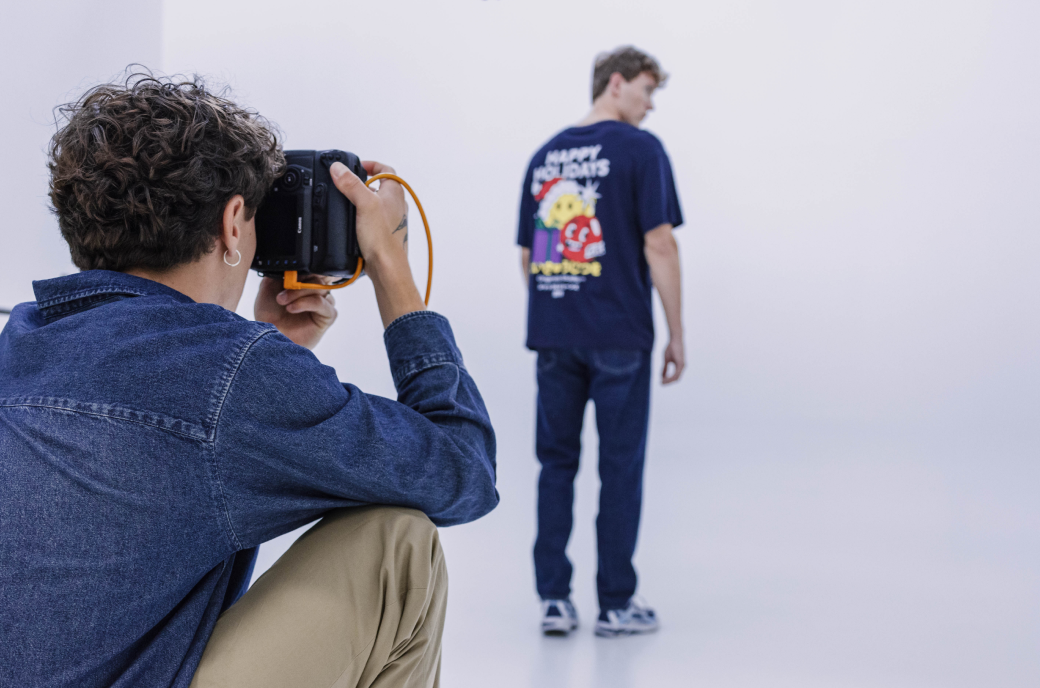
Photographer and model
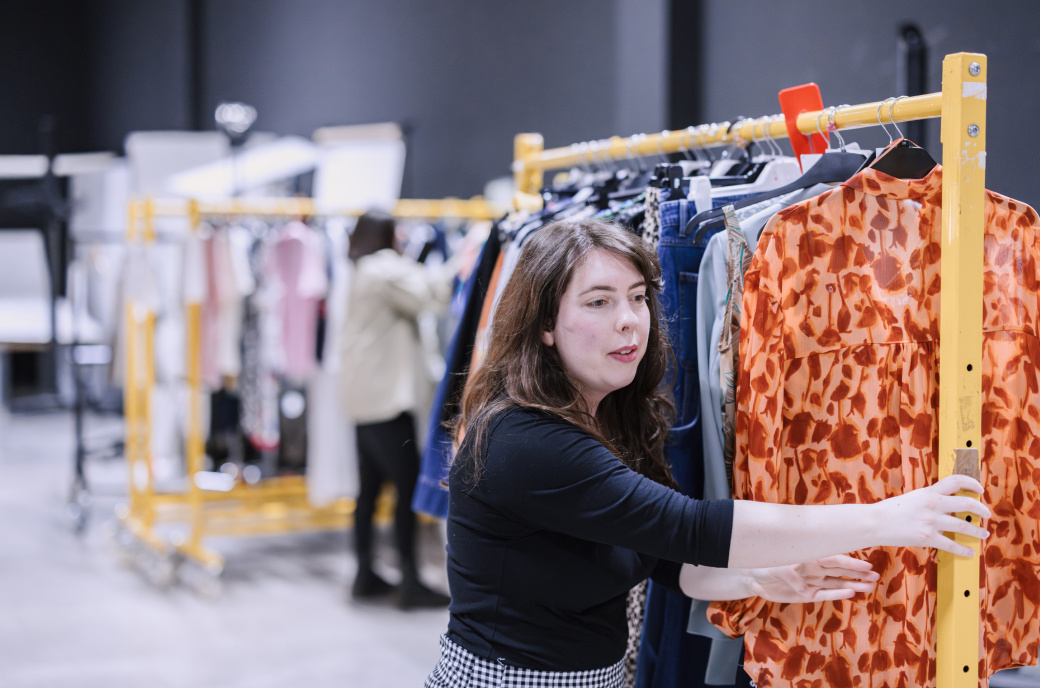
Woman moving rack with clothes